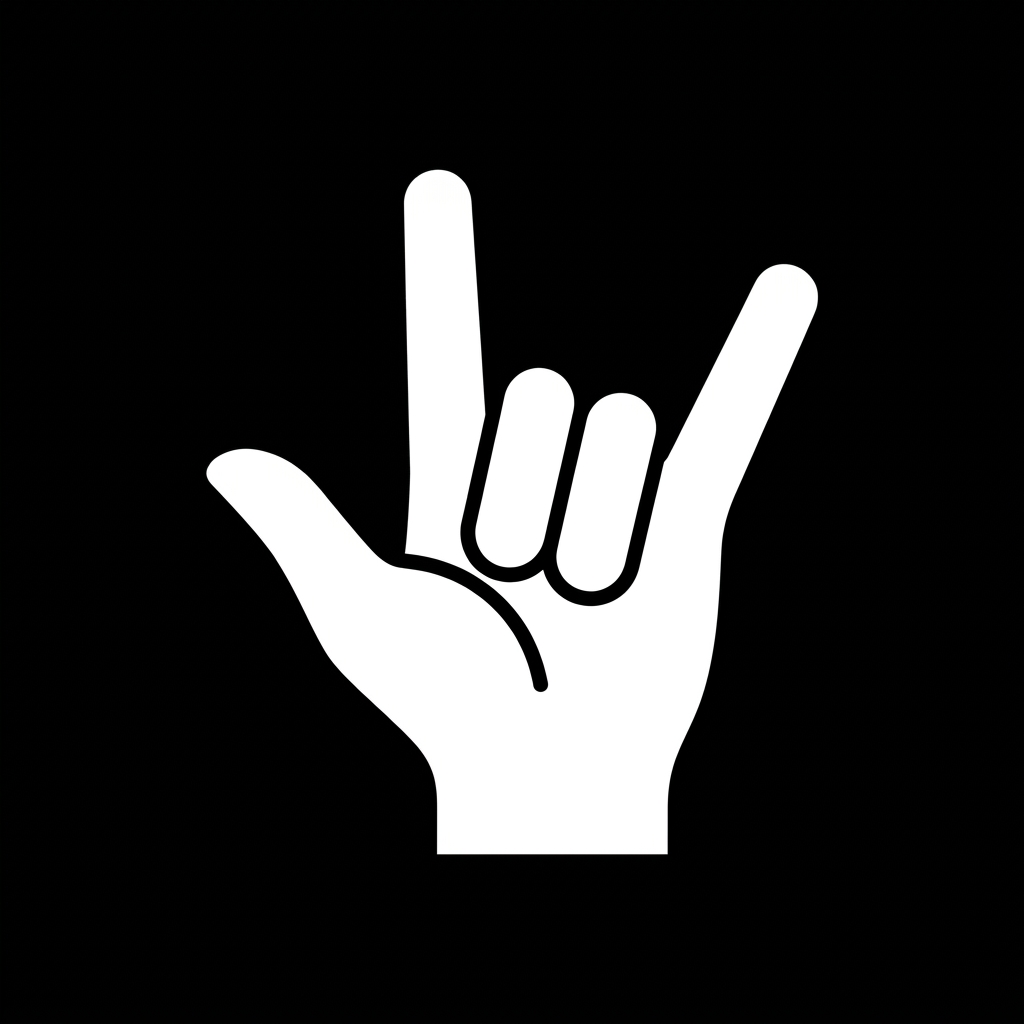
Turn Your Laptop Into a Virtual Touchscreen

No new hardware required. HovrPad uses your webcam and advanced algorithms to translate hand gestures into smooth cursor movements and commands.

Windows 10/11 • 100% Private & Local

No extra hardware, no setup, no touching anything. Open it, raise a finger, and the cursor follows.

A mouse or trackpad needs a surface and a touch. That is awkward when you are presenting from across the room, cooking, or just have messy hands.

HovrPad uses the camera you already own. It controls the same cursor Windows already has, so it works with every app on your screen.

Who and When is it for?

Streaming and watching with HovrPad

Streaming & Watching

When you're kicking back to watch your favorite shows or videos, interruptions are frustrating. Sit comfortably on the couch and easily play, pause, or rewind with a simple mid-air gesture—no need to lean forward and fumble for the mouse every time.

Playing Chess

When you're locked into a match and calculating deep lines, spend your time in complete comfort. When you're ready, reach out and make your move with a natural gesture — making the whole experience more intuitive.


Playing chess with HovrPad
Cooking and baking with HovrPad

Cooking & Baking

When your hands are messy or covered in flour, follow recipes and scroll through instructions without ever touching your laptop. Keep your screen pristine and keyboard grease-free by controlling everything with mid-air gestures.

Deep Reading & Research

When reviewing dense papers, code, and long PDFs, absorb information without leaning over your trackpad. Lean back and navigate complex documents with effortless, natural gesture-based scrolling and panning.
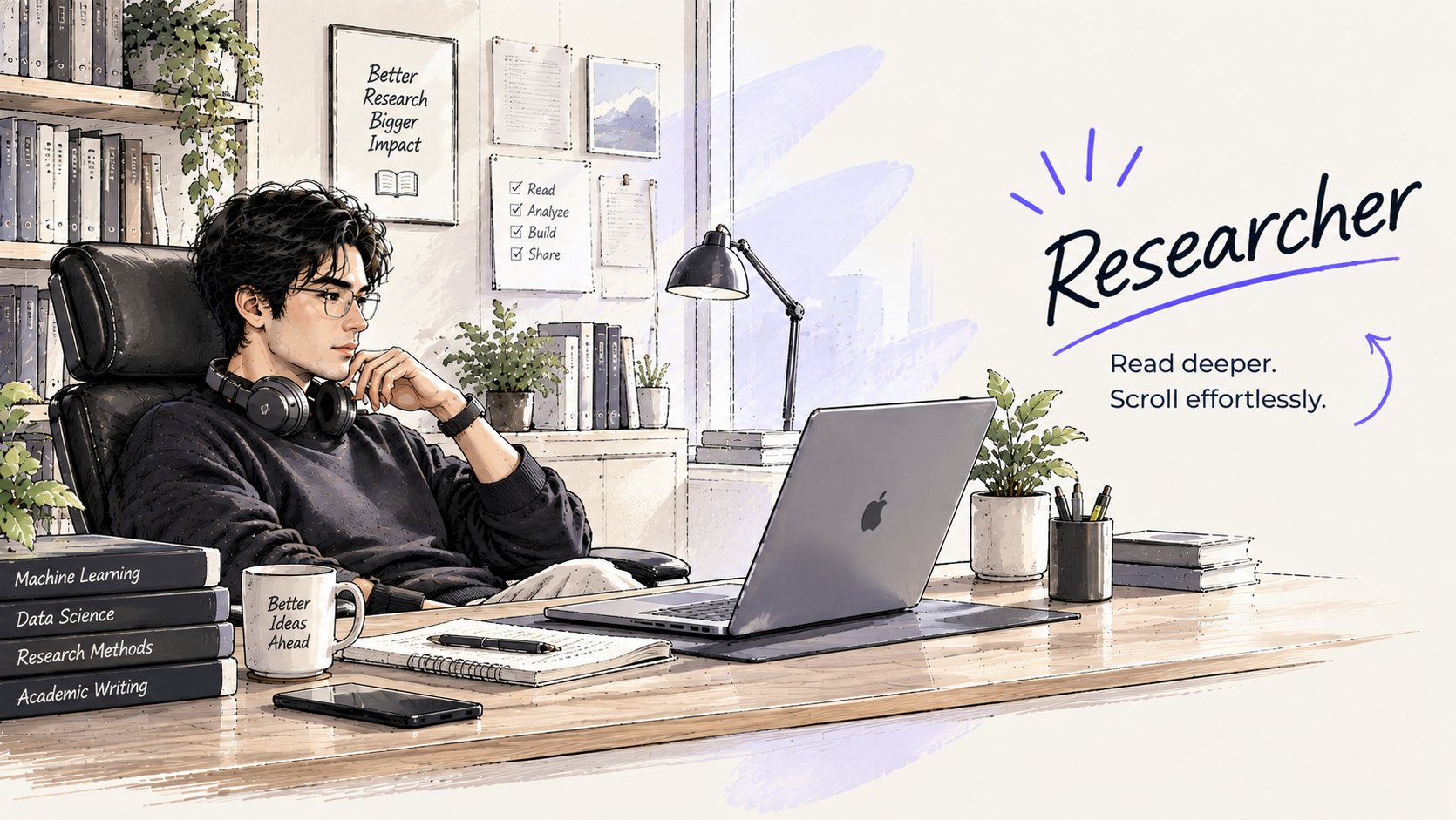
Deep reading and research with HovrPad
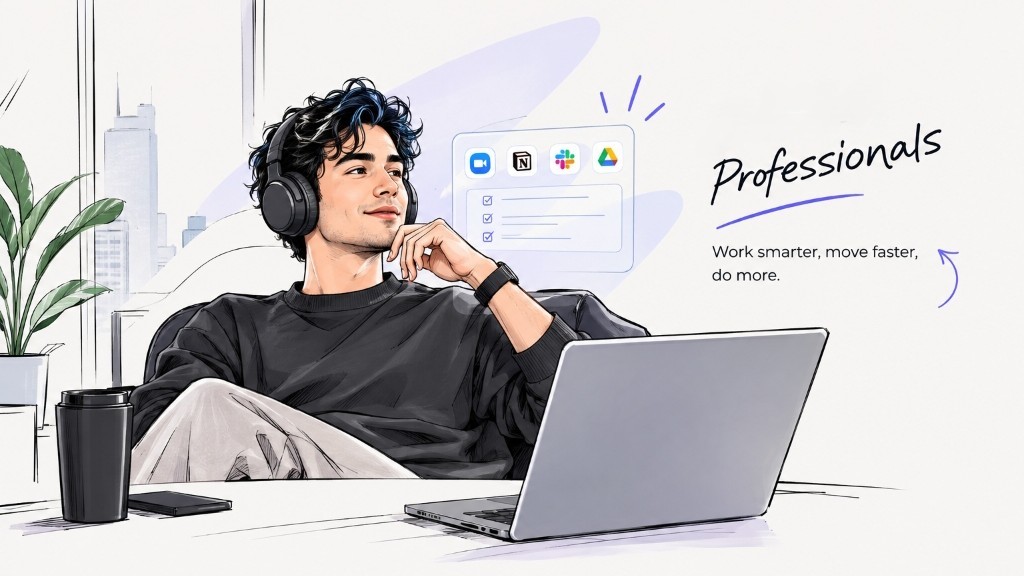
Multitasking and working with HovrPad

Multitasking & Working

When you're deep in your workflow, work smarter and move faster. Effortlessly switch between productivity apps, review documents, and manage windows with natural gestures without hunching over your trackpad.

Presenting & Teaching

When you're presenting to an audience or taking a class, command the room seamlessly. Advance slides, zoom, and interact freely without being tethered to your laptop or requiring a physical clicker.


Presenting and pitching with HovrPad

More ways to use it

Casual Browsing

When lounging around, scroll image galleries, read comics, and browse the web without touching your laptop.

Relieving Strain

When your wrist and lower back needs a break, reduce strain by controlling your laptop from a relaxed, natural posture.

Relaxed Gaming

When playing puzzle games, visual novels, or casual games, lean back and enjoy an immersive, mouse-free way to play.

See it in action

Stop hunching over your trackpad. Sit back, relax, and swipe, pinch, and tap in the air using natural hand gestures.

Our algorithms track your hand in real-time, instantly translating gestures into precise actions on your screen. No fingerprints, no smudges, just intuitive control.

How it works

A loop that repeats about 60 times every second.

1

It sees your hand

A vision model finds your hand and marks 21 points on it: the wrist, each knuckle, each fingertip.

2

It reads the pose

From how those points line up, it works out what you mean. One finger out means point. Thumb on middle finger means click.

3

It moves the cursor

It tells Windows where to put the cursor and when to click, the same way a real mouse would.

Steadying a shaky hand

Nobody can hold a hand perfectly still in mid-air. Left alone, those tiny tremors would make the cursor jitter and tiny buttons impossible to hit.

HovrPad smooths the movement twice. Hold still and the cursor holds still. Swipe fast and it keeps up.

Your raw hand The cursor

How precision clicking works

Many camera mice click by pinching thumb and index finger. That moves the very finger you are aiming with.

Pinch with the index finger

The fingertip shifts as you pinch, so the cursor slides off the target at the moment you click.

Tap the thumb on the middle finger

Your index finger only aims and never moves, so the cursor stays exactly where you put it.

Features & Gestures

The base features are free. Advanced gestures are part of Pro.

Base Version (Free)

Index finger outMove the cursor
Thumb taps middle fingerLeft Click / Drag
Thumb & Pinky touchingRight click
Thumb taps Ring fingerDouble Click
Thumb D-PADDirectional Input

Pro Productivity

Shaka (Thumb & Pinky)Scroll up/down
SpidermanWindow Switcher (Alt-Tab)
Peace SignCopy & Paste

The cursor moves 14 milliseconds after your hand does.A blink lasts roughly ten times longer.

It is about 25 times steadier than a camera mouse with no smoothing.0.19 pixels of wobble when still, against 4.72 without smoothing.

It uses under 5% of the processor, so your other work keeps running smoothly.Measured over 5,000 interactions on a standard laptop.

Simple, transparent pricing

The core tracking is free forever. Upgrade to Pro for advanced productivity gestures.

Basic

$0
  • ✓ Cursor movement
  • ✓ Left, Right & Double click
  • ✓ Drag & Drop
  • ✓ Thumb DPad navigation
  • ✕ Advanced gestures
Download Free
Launch Offer

Pro License

$14.99 $29.99
  • ✓ Everything in Basic
  • ✓ 20+ more gestures
  • ✓ Scroll & Alt-Tab gestures
  • ✓ Copy, Paste & Media Controls
  • ✓ Single payment, free updates
Upgrade to Pro

Beta Testing Program

Test upcoming gestures before anyone else. Sign up to receive a complimentary license key unlocking HovrPad Pro free for the entire beta period, plus an exclusive 50% discount on the Pro version after the beta concludes.

01

Beta License

Full access to all 20+ advanced gesture controls for the duration of the beta.

02

50% Off Pro Version

Get an exclusive 50% discount on the Pro license upon completion of the beta program.

03

Direct to Your Inbox

Your beta testing license key and setup guide will be e-mailed soon after signing up.

04

Shape Future Updates

Share feedback on gesture responsiveness and smoothness to guide release polish.

Get your beta license & 50% discount

Enter your email address below. We'll send your activation details and beta testing license here soon.

No credit card required. Free throughout the beta testing period.

Stay Updated

Subscribe to get notifications on major feature releases, performance improvements, and gesture tips.

Share your thoughts

Your feedback directly shapes HovrPad. Tell us how the product works for you or share ideas for new gestures.

Rating: