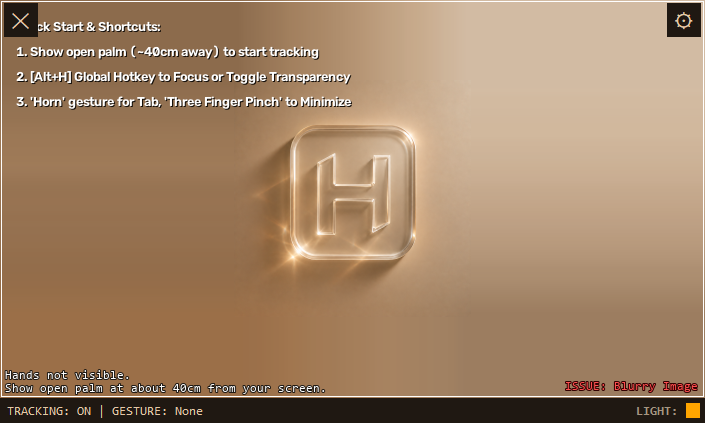
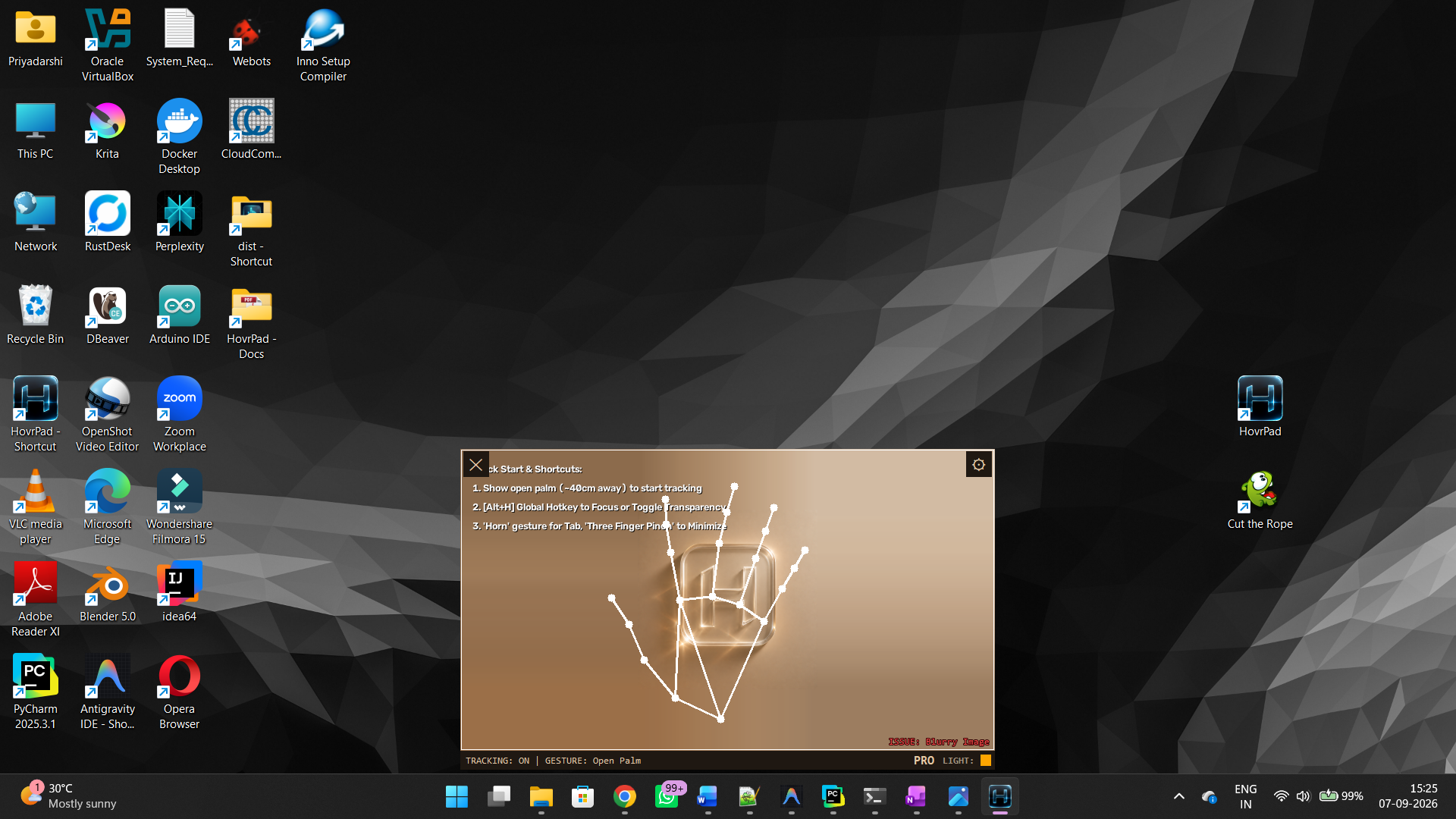
HovrPad uses your webcam to track your hand in real time and translate hand gestures into mouse and keyboard actions. No physical mouse or keyboard is required for core navigation. You can use Mouse/Keyboard along with Gestures also, for a better experience.
Gestures are detected from both hands using landmark tracking. The system recognises the positions of your fingertips, knuckles, and thumb to classify gestures every frame.
These gestures provide core mouse functionality and basic navigation and are permanently unlocked.
| Gesture | Hand Shape | Action |
|---|---|---|
| Normal Pointer | Index finger extended and Thumb relaxed, slightly extended | Moves the mouse cursor (tracks index fingertip) |
| Left Click | Thumb tip lightly tapping the middle finger while index finger is extended | Left Click (Hold = Drag) |
| Right Click | Thumb + Pinky finger tips touching, Index, Middle, Ring fingers extended | Right Click |
| Double Click | Thumb tip lightly tapping the Ring finger while Index, Middle fingers are joined & extended | Double Click |
| Fist | Index finger curled / All fingers folded | Pauses cursor movement or any other command in progress |
| Vulcan Salute | Index + Middle together, Ring + Pinky together, gap between Middle and Ring fingers | Toggle Pause & Resume cursor tracking |
| Focus Toggle | Thumb + Ring pinched, Index + Middle + Pinky out | Toggles hovrpad window focus |
| Thumb DPad | Thumb explicitly extended outward, others closed | Arrow UP/DOWN/LEFT/RIGHT based on the direction of thumb |
These gestures trigger advanced operating system actions, keyboard shortcuts, window management, and application-specific navigations.
| Gesture | Hand Shape | Action |
|---|---|---|
| Spiderman (Alt-Tab) | Thumb + Index + Pinky extended | Alt-Tab |
| Horns (Quick Alt-Tab) | Index + Pinky extended, Thumb/Middle/Ring folded | Quick Alt-Tab |
| L-Shape (ALT) | [LEFT HAND] Thumb + Index extended (L-shape) | Triggers ALT Modifier |
| V-Sign (CTRL) | [LEFT HAND] Index + Middle extended (Mode hand) | Triggers CTRL Modifier |
| Shift (Scroll Mode) / Shaka | Thumb + Pinky extended | Enters Scroll Mode (Tilt hand to scroll UP/DOWN) |
| Spider-Man Upside Down (Spacebar) | Index + Pinky extended, hand upside down | Presses Spacebar |
| V-Sign (Paste) | Index + Middle extended | Triggers Paste (Ctrl+V) |
| Pinky-Ring V (Copy) | Ring + Pinky extended, spread apart | Triggers Copy (Ctrl+C) |
| 3FP Ready âž” Pinch | Thumb, Index, Middle extended âž” Pinched together | Minimize/Close Window |
| Fist âž” Open Spread | Fist held for >10 frames, then fully open hand | Maximizes the current active window |
| Play/Pause | Middle, Ring, Pinky extended, Index closed | Play / Pause Media |
There are many more Gestures available. The full guide will be shared with the Email along with your license key.
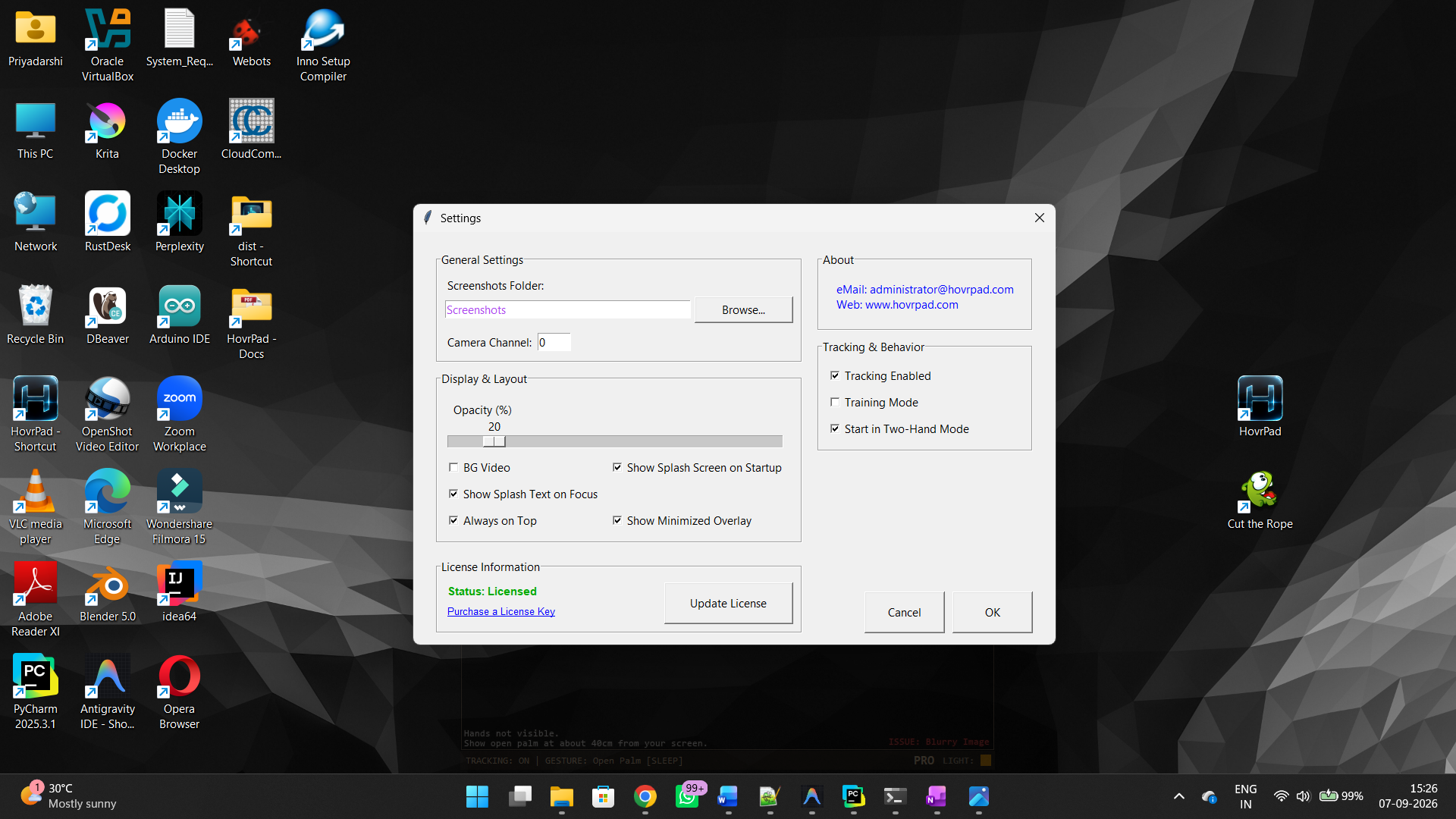
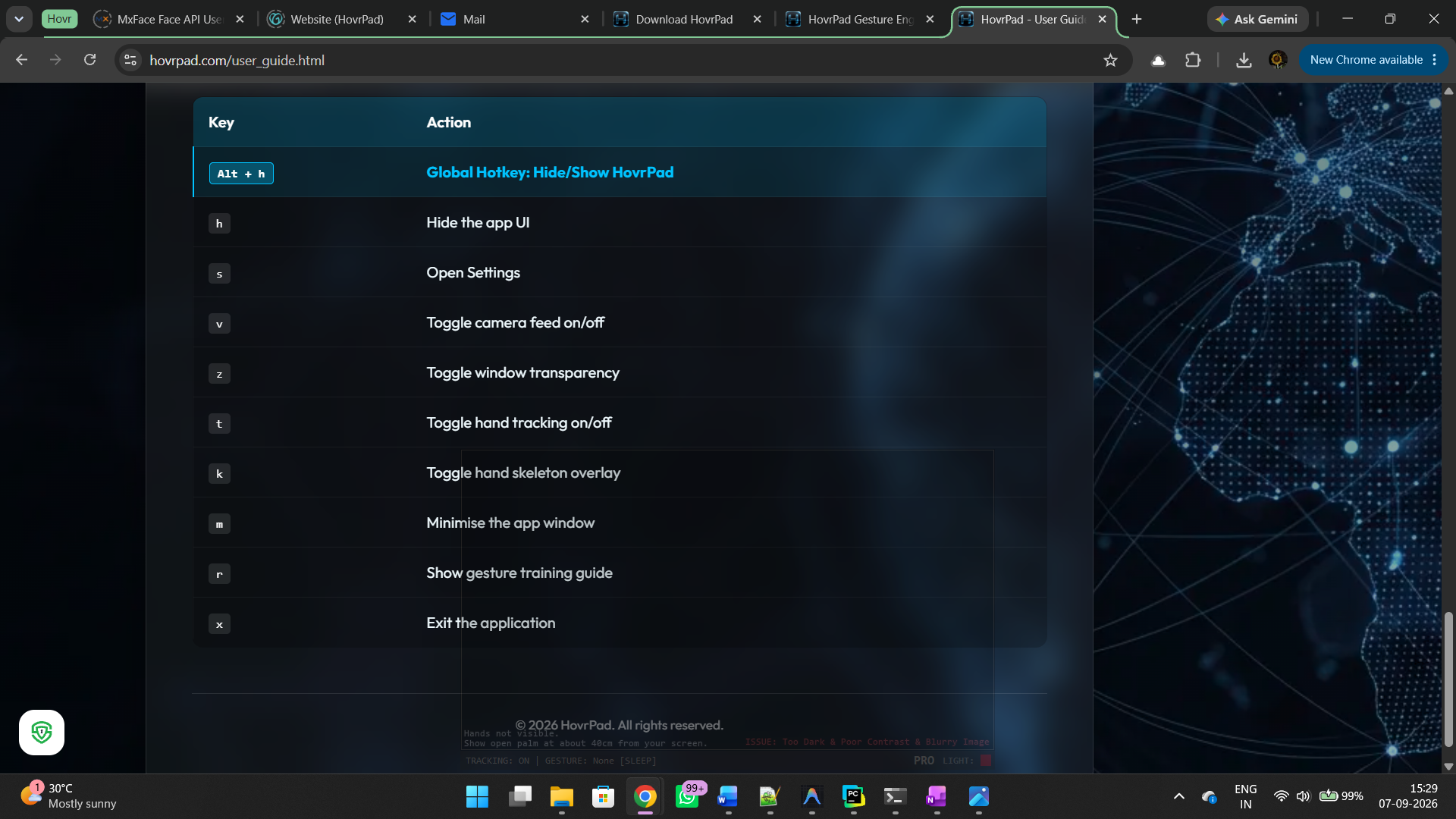
These keyboard shortcuts control the application window itself. Note: These shortcuts
will only work when the app is in focus. You can use the global Alt + H hotkey at any time
to bring the app into focus or hide it.
| Key | Action |
|---|---|
Alt + H
|
Global Hotkey: Hide/Show HovrPad |
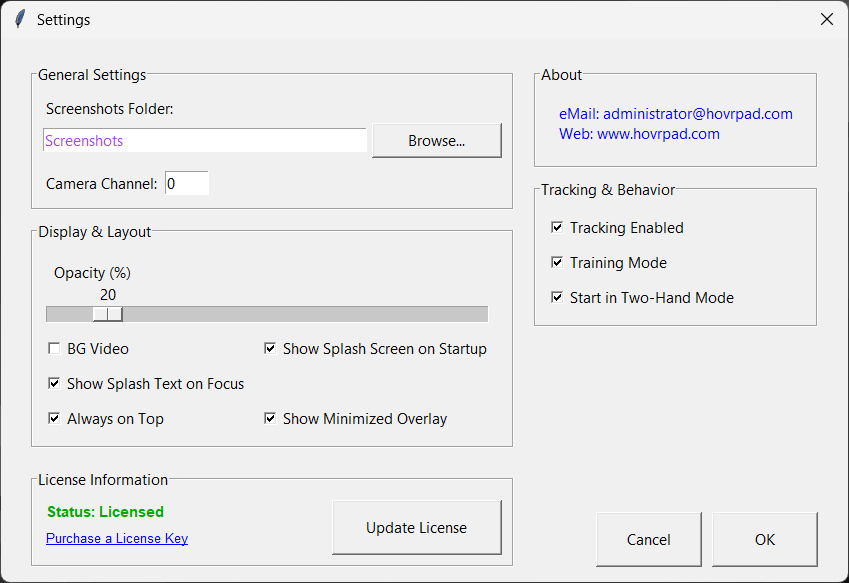
S |
Open Settings |
V |
Toggle camera feed on/off |
Z |
Toggle window transparency |
T |
Toggle hand tracking on/off |
K |
Toggle hand skeleton overlay |
M |
Minimise the app window |
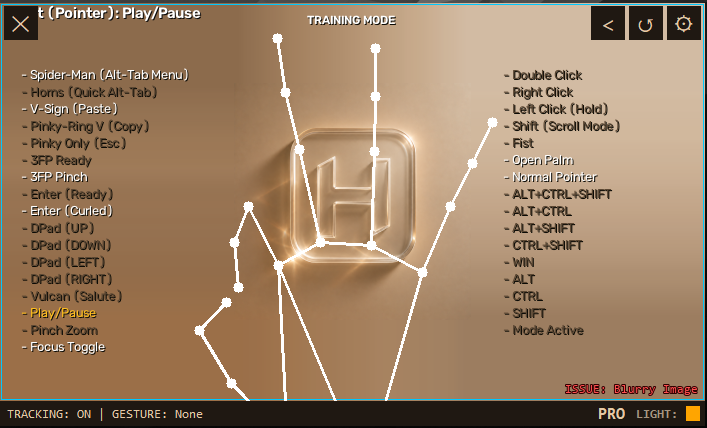
R |
Show gesture training guide |
X |
Exit the application |